


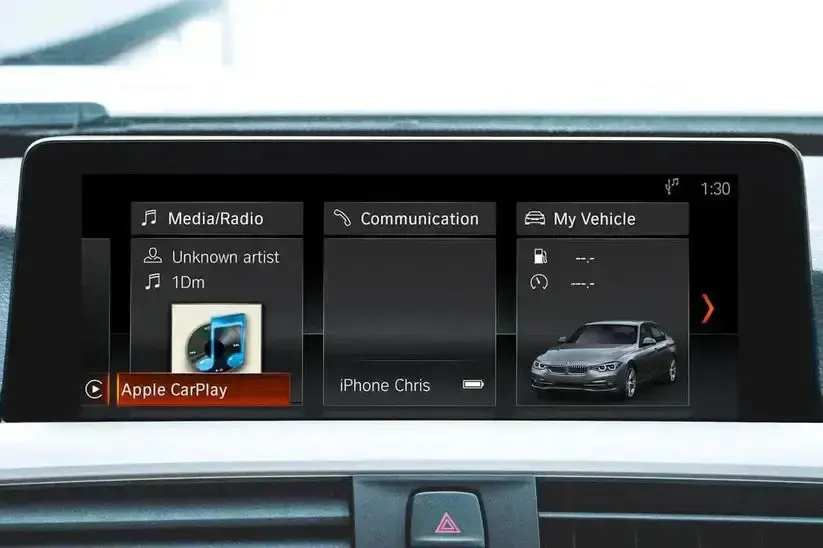
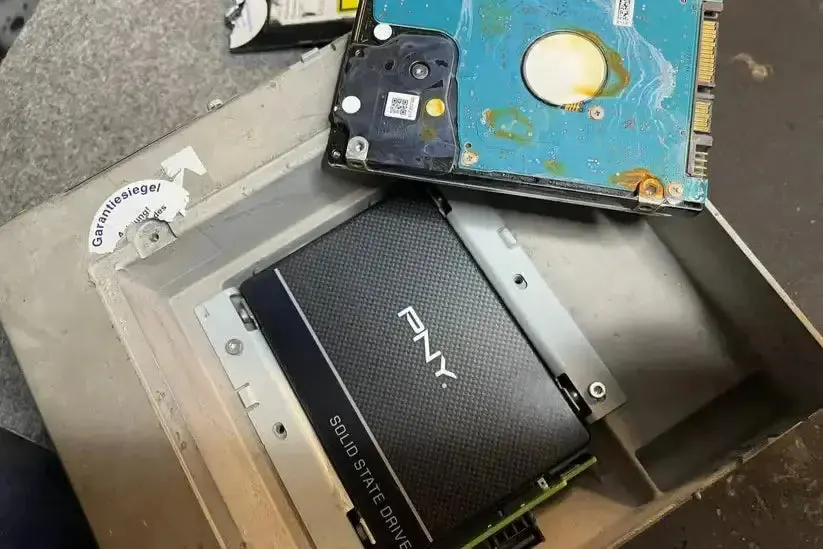


Remote NBT Evo HDD Repair & Feature Restoration
Complete remote solution for failed NBT Evo hard disk drives
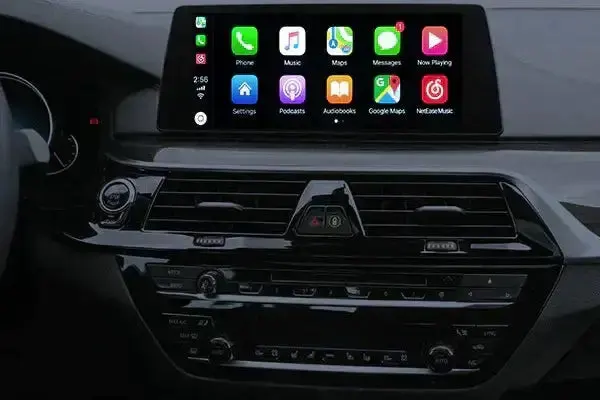
Have you lost Navigation, Bluetooth Music, your Music Collection, and USB functionality? These are classic symptoms of a failed hard disk drive (HDD) in your NBT Evo unit. Our NBT Evo HDD Repair service provides a complete remote solution. After you install a new replacement HDD, we remotely code it, restore all original features, and often add enhanced functionality like full-screen Apple CarPlay.
Common NBT Evo HDD Failure Symptoms
Navigation Lost
GPS and map functionality completely disabledBluetooth Music
Audio streaming via Bluetooth no longer worksMusic Collection
Stored music library becomes inaccessibleUSB Functionality
USB ports stop recognizing devicesWhat You Get with our NBT Evo HDD Repair
Complete HDD Repair
Full restoration of navigation, Bluetooth, USB, and music collectionIDrive 5 / 6 Restored
Full iDrive functionality completely restoredFull Screen CarPlay
Apple CarPlay Full Screen & Android MirroringLifetime Maps
BMW Apps and Lifetime Road Map LicenseSatellite Radio
Sirius Satellite Radio (if supported)Enhanced Features
M Laptimer and Video in Motion includedWhat You Need to Do
Remote Repair Process
1
HDD Installation
You install the new hard disk drive into your NBT Evo unit2
Remote Connection
We establish secure remote connection to your vehicle3
Complete Programming
Full system coding and feature restoration4
Feature Enhancement
Additional features like full-screen CarPlay addedService Duration
Complete Remote Repair
~90 minutes
The entire remote NBT Evo HDD Repair and programming process takes approximately 90 minutes.
Ready to Restore Your NBT Evo System?
Get complete HDD repair and feature restoration remotely
Ali aftab –
Thank you so much for being there when I needed support. Your help didn’t just solve a problem—it reminded me how powerful kindness can be
christian contreras –
10 to 10 professional job thank you very much